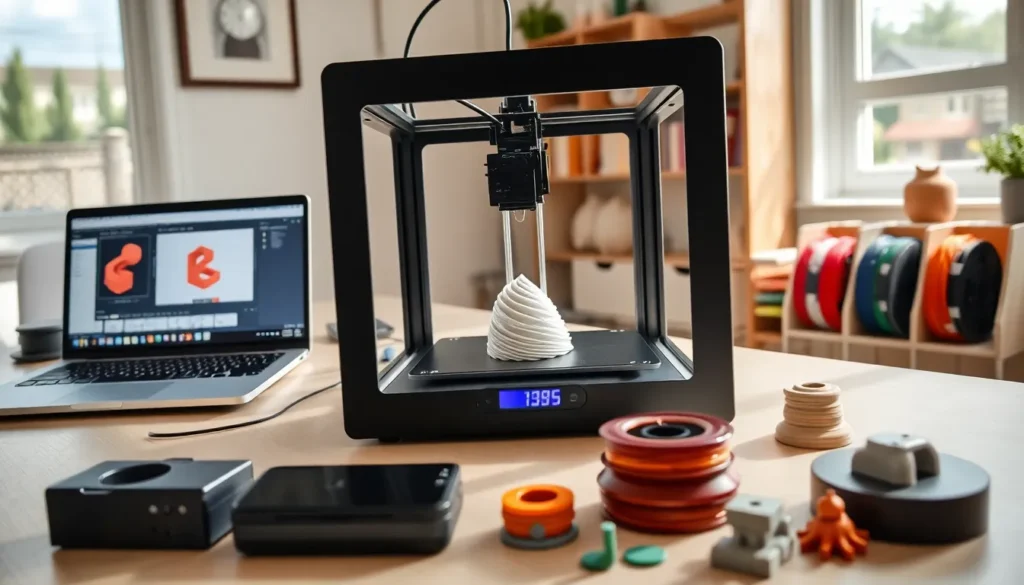

Learning how to 3D print opens doors to creating custom objects, prototypes, and practical solutions at home. This technology has become accessible to hobbyists, educators, and small business owners alike. A 3D printer builds objects layer by layer from digital designs, turning ideas into physical items. Whether someone wants to create phone cases, replacement parts, or artistic pieces, understanding the basics makes all the difference. This guide covers everything beginners need to know, from selecting equipment to completing a first successful print.
Table of Contents
ToggleKey Takeaways
- FDM printers are the best choice for beginners learning how to 3D print due to their affordability and simpler workflow.
- Start with PLA filament, which prints at lower temperatures, produces minimal odor, and offers easy bed adhesion.
- Use slicing software like Cura or PrusaSlicer to convert 3D models into printable instructions with customizable settings.
- Always level your print bed and clean it with isopropyl alcohol to prevent first-layer failures.
- Watch the first few layers of every print to catch problems early and avoid wasting time and materials.
- Store filament in sealed containers with desiccant to prevent moisture damage that causes print defects.
Understanding 3D Printing Technology
3D printing, also called additive manufacturing, creates solid objects from digital files. The printer deposits material layer by layer until the object takes shape. This differs from traditional manufacturing, which often cuts material away from a larger block.
Most consumer 3D printers use one of two main technologies:
- FDM (Fused Deposition Modeling): A heated nozzle melts plastic filament and deposits it in precise patterns. FDM printers are affordable and popular among beginners learning how to 3D print.
- Resin (SLA/MSLA): These printers use UV light to cure liquid resin into solid layers. They produce finer details but require more post-processing and safety precautions.
FDM suits most beginners because of its lower cost and simpler workflow. The materials are easier to handle, and mistakes cost less money. Understanding this foundation helps new users make informed decisions about equipment and projects.
Choosing Your First 3D Printer
Selecting the right 3D printer depends on budget, intended use, and available space. Entry-level FDM printers start around $200, while quality mid-range options run $300-$600.
Key factors to consider include:
- Build volume: This determines the maximum size of objects you can print. A 220mm x 220mm x 250mm bed handles most beginner projects.
- Print quality: Layer resolution matters for detailed work. Look for printers capable of 0.1mm layer heights.
- Community support: Popular models have active online communities. This means easier troubleshooting and abundant tutorials.
- Assembly requirements: Some printers arrive pre-assembled. Others require hours of setup. Beginners often prefer ready-to-print options.
Popular beginner choices include the Creality Ender 3 series and Prusa Mini. Both offer reliable performance and strong community backing. Reading user reviews and watching setup videos helps gauge what to expect before purchasing.
Essential Materials and Filaments
The material choice affects print quality, strength, and ease of use. PLA (Polylactic Acid) remains the go-to filament for beginners learning how to 3D print.
Common filament types:
| Filament | Best For | Difficulty |
|---|---|---|
| PLA | General use, decorative items | Easy |
| PETG | Functional parts, water resistance | Moderate |
| ABS | Heat-resistant parts, durability | Advanced |
| TPU | Flexible items, phone cases | Moderate |
PLA prints at lower temperatures (190-220°C) and doesn’t require a heated enclosure. It’s biodegradable, produces minimal odor, and sticks well to most print beds. New users should start with PLA before experimenting with other materials.
Quality matters with filaments. Cheap options often contain inconsistent diameters or moisture, causing print failures. Reputable brands like Hatchbox, Overture, and Prusament deliver consistent results. Store filament in sealed containers with desiccant to prevent moisture absorption.
Step-by-Step 3D Printing Process
The 3D printing process involves several distinct stages. Each step affects the final result.
Preparing Your 3D Model
Every 3D print starts with a digital model. Users can create original designs using software like Tinkercad, Fusion 360, or Blender. Alternatively, websites like Thingiverse and Printables offer thousands of free downloadable models.
Once you have a model (typically in STL or OBJ format), it goes through slicing software. The slicer converts the 3D model into instructions the printer understands. Popular slicers include Cura, PrusaSlicer, and Simplify3D.
In the slicer, users set parameters like:
- Layer height (affects detail and print time)
- Infill percentage (internal density)
- Print speed
- Support structures (for overhanging sections)
- Bed adhesion type (brim, raft, or skirt)
Setting Up and Running Your Print
Before printing, prepare the print bed. Clean the surface with isopropyl alcohol to remove oils. Some beds need glue stick or hairspray for better adhesion: others work best with specialized surfaces like PEI sheets.
Level the bed carefully. An uneven bed causes first-layer issues that ruin prints. Many modern printers include automatic bed leveling, but manual checks remain useful.
Load the filament according to your printer’s instructions. Heat the nozzle, feed the filament, and purge a small amount to ensure proper flow.
Transfer the sliced file to your printer via SD card, USB, or network connection. Start the print and watch the first few layers. Most failures become visible early. If the first layer looks good, well-adhered and consistent, the print usually succeeds.
Common Mistakes to Avoid
Beginners often encounter preventable problems when learning how to 3D print. Knowing these pitfalls saves time and filament.
Poor bed leveling causes most first-layer failures. The nozzle must maintain consistent distance from the bed across the entire surface. Too close, and filament can’t extrude. Too far, and it won’t stick.
Wrong temperature settings lead to stringing, poor adhesion, or clogged nozzles. Each filament type and brand has optimal temperature ranges. Run temperature towers to find the sweet spot for your specific material.
Skipping supports ruins prints with overhangs. Any angle beyond 45 degrees typically needs support material. The slicer can add these automatically.
Rushing the process tempts many newcomers. They increase speed too much or skip bed preparation. Patience produces better results.
Ignoring moisture affects filament quality over time. Wet filament pops, sizzles, and creates rough surfaces. Dry filament in a food dehydrator or specialized dryer when problems appear.
Not watching the first layer means missing early signs of failure. Stay nearby during the initial minutes of any print.